Tinify Image Compressor vs Small IMG | Figma Plugins
mitran.design
Published on 8 Oct 2026
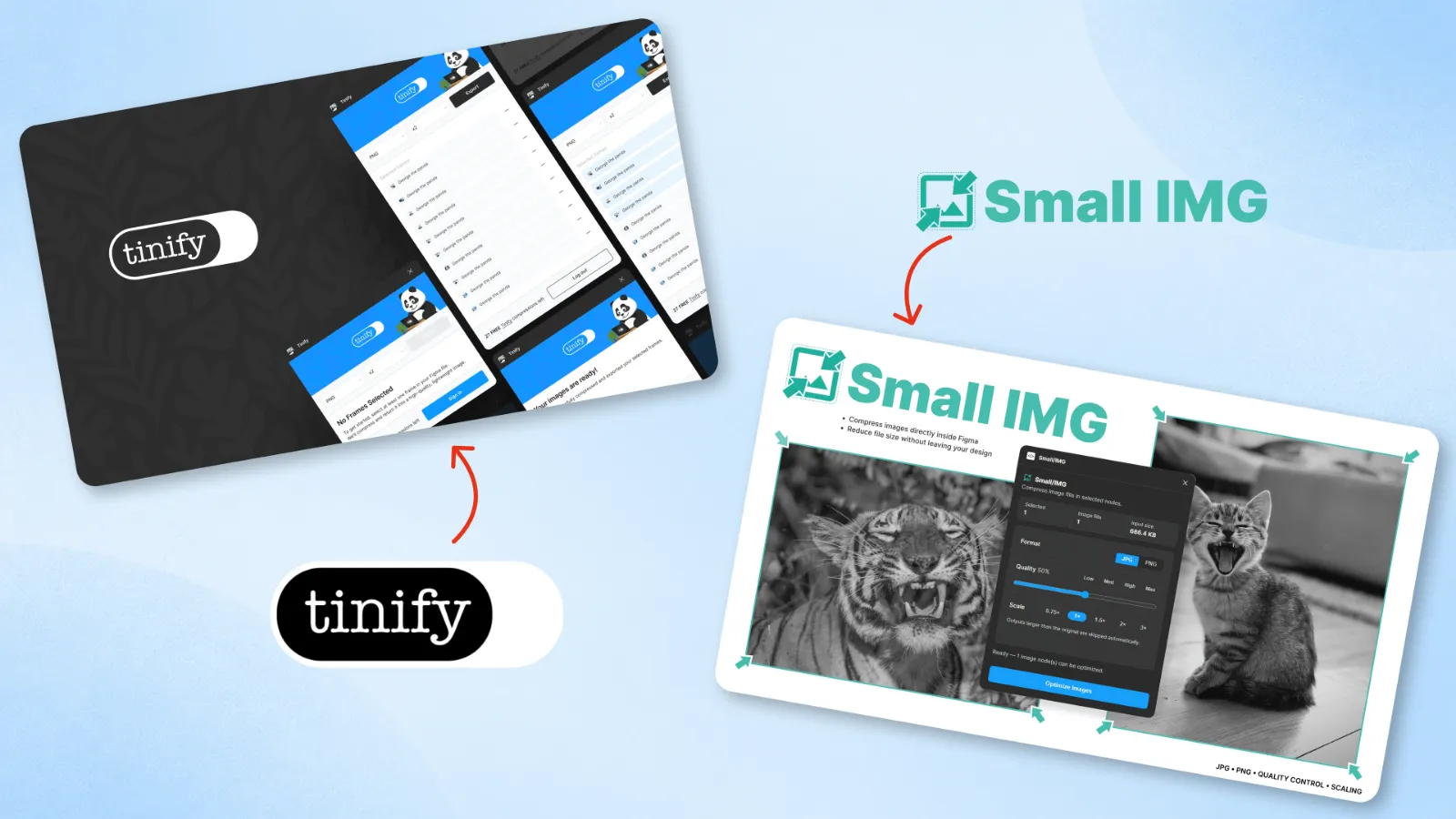
Tinify Image Compressor vs Small IMG: Which Figma Plugin Should You Use?
Exporting images from Figma is easy. Getting them small enough for a website or app without sacrificing too much visual quality can take extra work.
Two options are Tinify (TinyPNG) Image Compressor, the official Figma plugin from Tinify, and Small IMG, a lightweight image compression plugin I built for everyday design work.
Both help reduce image sizes, but they focus on different workflows. Here is what to consider before choosing one.
Why Use a Figma Image Compressor Plugin?
Photos, screenshots and illustrations can be much larger than they need to be. Optimizing images before handing assets to developers or publishing them on a website can reduce download sizes and improve loading performance.
A Figma image compressor plugin lets you handle at least part of that work without manually moving every asset through another application.
What Is Tinify (TinyPNG) for Figma?
Tinify offers an official Figma plugin for exporting and compressing images using its image optimization service. It supports JPG, PNG, WebP and AVIF, including modern formats useful for web projects.
The plugin can export individual selections or multiple frames, with scale options from 1× to 4×. Compression takes place through Tinify's service, so you need a Tinify account and API key.
Tinify currently offers 500 free API credits per month; the Figma plugin uses two credits per image export, allowing up to 250 free compressed exports monthly. Additional usage is paid.
View Tinify on Figma Community →What Is Small IMG?
Small IMG is a lightweight Figma image compressor plugin I built to make routine image optimization simpler. Instead of building a large export workflow, I focused on a few controls designers actually need.
You can work with selected images, choose JPG or PNG output, adjust quality settings and scale images down when appropriate. It also supports working with multiple images in a batch.
The goal is straightforward: spend less time preparing images and more time designing.
Try Small IMG on Figma Community →Tinify vs Small IMG: Feature Comparison
| Feature | Tinify | Small IMG |
|---|---|---|
| Primary workflow | Compress during export | Optimize selected images |
| JPG and PNG | Yes | Yes |
| WebP and AVIF export | Yes | Not part of the described JPG/PNG workflow |
| Multiple images | Yes | Yes |
| Scale options | 1× to 4× export | Image scaling controls |
| Usage model | Monthly free credits; paid beyond allowance | Check current plugin listing |
| Account/API key | Tinify account and API key | Check current plugin listing |
Features and usage limits may change. Check each plugin's listing for the latest details.
When Should You Choose Tinify?
Tinify is worth considering when your main goal is to export production-ready image assets from Figma. Its support for WebP and AVIF is especially relevant for websites and apps where modern image formats matter.
It also makes sense if you already use Tinify elsewhere and want the same compression service integrated into your Figma export process.
When Should You Choose Small IMG?
Small IMG is a good fit when you want a focused utility for JPG and PNG optimization, with quality and scaling controls, without turning image compression into a larger export task.
I built it for the small, repetitive jobs that appear throughout a designer's day: selecting images, choosing reasonable settings and getting back to the project.
Which Figma Image Compressor Is Better?
The answer depends on what you're optimizing. If you need WebP or AVIF exports and already use Tinify, its official plugin is the more natural fit. If you mainly work with JPG and PNG and value a simple compression workflow, Small IMG is worth trying.
I haven't included a claim that either plugin compresses better. A fair performance comparison would require testing the same images, dimensions, output formats and quality targets in both tools.
Other Figma Image Compressor Plugins
If you're comparing more options, read my guide to five Figma image compression plugins. It covers additional tools and explains why image optimization matters in Figma projects.
FAQ
Is there an official Tinify image compressor plugin for Figma?
Yes. Tinify offers an official Figma plugin that compresses images during export and supports JPG, PNG, WebP and AVIF.
Is Tinify free to use in Figma?
Tinify currently includes 500 free API credits each month. Because a Figma image export uses two credits, that works out to 250 free exports per month. Additional usage requires payment.
Can Small IMG compress multiple images?
Yes. Small IMG supports working with multiple selected images, along with JPG/PNG output and quality or scaling controls.
Will compression make my Figma files smaller?
That depends on the plugin's workflow. Tinify optimizes exported assets and does not change the original Figma file. If your goal is reducing the size of images already embedded in a design, check whether the plugin replaces those image assets rather than only compressing exports.
Try Small IMG in Your Next Figma Project
Need a straightforward way to optimize JPG and PNG images with quality and scaling controls? Give Small IMG a try and see how it fits your workflow.
Open Small IMG on Figma Community →