TinyImage Compressor vs Small IMG for Figma
mitran.design
Published on 8 Oct 2026
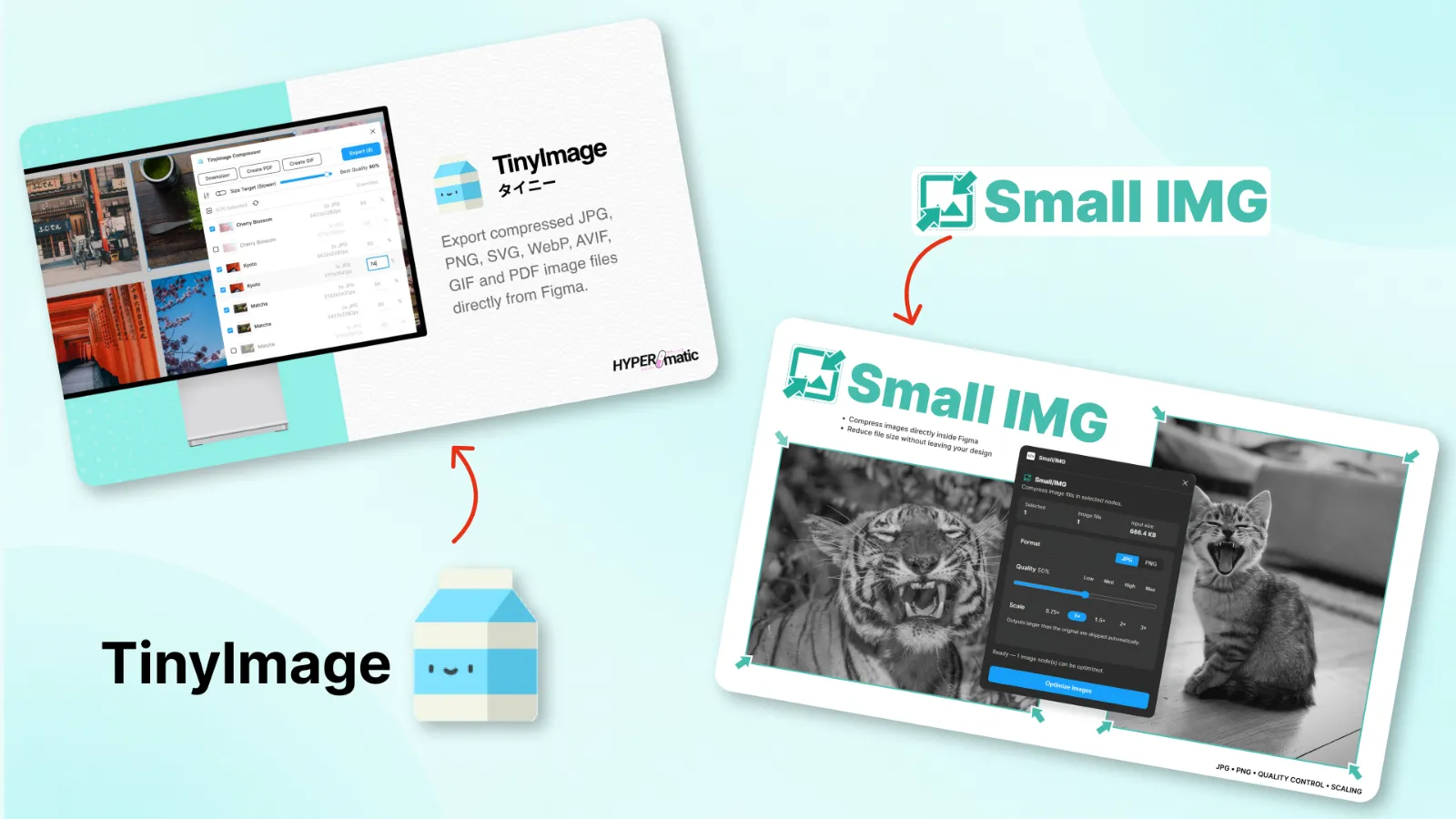
TinyImage Compressor vs Small IMG: Which Figma Image Compressor Plugin Should You Use?
Large images can quickly increase the size of a Figma file, especially when you're working with landing pages, product interfaces, presentations, or image-heavy prototypes.
Using a Figma image compressor plugin lets you optimize those images without constantly exporting files, compressing them elsewhere, and importing them back into your design.
TinyImage Compressor is one of the established options available in the Figma Community. Small IMG takes a more lightweight approach focused on making everyday image compression quick and simple.
In this comparison, we'll look at both plugins and where each one fits into a Figma workflow.
Why Compress Images Inside Figma?
Images used in Figma aren't always optimized for design files. Photos downloaded from stock libraries, screenshots, generated images, and other assets can easily be several megabytes each.
Add enough of them to a project and your Figma file can become unnecessarily heavy. An image compressor plugin removes an extra step from the workflow by letting you optimize those assets directly inside Figma.
- Reduce the size of images used inside Figma files
- Keep image-heavy design files easier to manage
- Optimize assets without switching between multiple tools
- Prepare smaller image assets for development and export
What Is TinyImage Compressor?
TinyImage Compressor is a Figma plugin designed for optimizing images directly from your design files. It supports common image formats such as PNG and JPG and can be used to optimize multiple images as part of the same workflow.
It's an established image compression option in the Figma Community and is useful for designers who want image optimization tools integrated into Figma.
View TinyImage Compressor on Figma Community →What Is Small IMG?
Small IMG is a lightweight Figma image compressor plugin I built around a simple idea: image compression shouldn't add another complicated workflow to your design process.
You select the images you want to optimize, choose your compression settings, and compress them directly from Figma. Small IMG supports PNG and JPG images and is designed around a fast, straightforward workflow.
The plugin is particularly useful when you simply want to reduce image size without needing a large set of additional image-processing features.
Try Small IMG on Figma Community →TinyImage Compressor vs Small IMG
| Feature | Small IMG | TinyImage Compressor |
|---|---|---|
| Works inside Figma | Yes | Yes |
| PNG support | Yes | Yes |
| JPG support | Yes | Yes |
| Multiple image workflow | Yes | Yes |
| Main focus | Simple, lightweight compression | Image compression and optimization |
When Should You Use TinyImage Compressor?
TinyImage Compressor makes sense if you're already familiar with the plugin or prefer an established image optimization tool with a broader compression workflow.
For designers regularly working with many image assets, it's worth trying TinyImage alongside other compression plugins and comparing the results with the type of files you normally use.
When Should You Use Small IMG?
Small IMG is designed for designers who want the compression process to stay simple.
If your main goal is selecting images, reducing their size, and getting back to designing without navigating through unnecessary options, that simplicity is the main reason to use it.
That's also why I built Small IMG: I wanted image compression to feel like a small utility inside Figma rather than a separate workflow.
Which Figma Image Compressor Plugin Is Better?
There isn't one image compressor that will be the best choice for every Figma user.
TinyImage Compressor is an established option and gives designers a convenient way to optimize images without leaving Figma.
Small IMG is intentionally lightweight. If you value a simple workflow and want to compress PNG and JPG images quickly, it's worth trying both plugins with the same images and seeing which workflow you prefer.
Other Figma Image Compressor Plugins
TinyImage and Small IMG aren't the only options available. I've compared several other image compression plugins and explained how image optimization can help keep larger Figma projects manageable.
Read my guide to Figma plugins for compressing images for more alternatives.
FAQ
What is TinyImage Compressor for Figma?
TinyImage Compressor is a Figma plugin for optimizing images directly inside Figma. It supports common formats including PNG and JPG and can be used to optimize multiple images.
Is there an alternative to TinyImage Compressor?
Yes. Small IMG is an alternative Figma image compressor focused on a lightweight workflow for compressing PNG and JPG images directly inside Figma.
Can you compress images without leaving Figma?
Yes. Image compression plugins such as TinyImage Compressor and Small IMG allow you to optimize images directly from your Figma workflow instead of using a separate compression website or desktop application.
Does compressing images reduce Figma file size?
Optimizing large image assets can reduce the amount of image data used in a design file. This can be especially useful in projects containing many high-resolution photos, screenshots, or other large assets.
Try Small IMG
Want a lightweight way to compress images without leaving Figma? Small IMG is built specifically for a quick and simple image compression workflow.
Install Small IMG from the Figma Community →