Figma Plugin Development
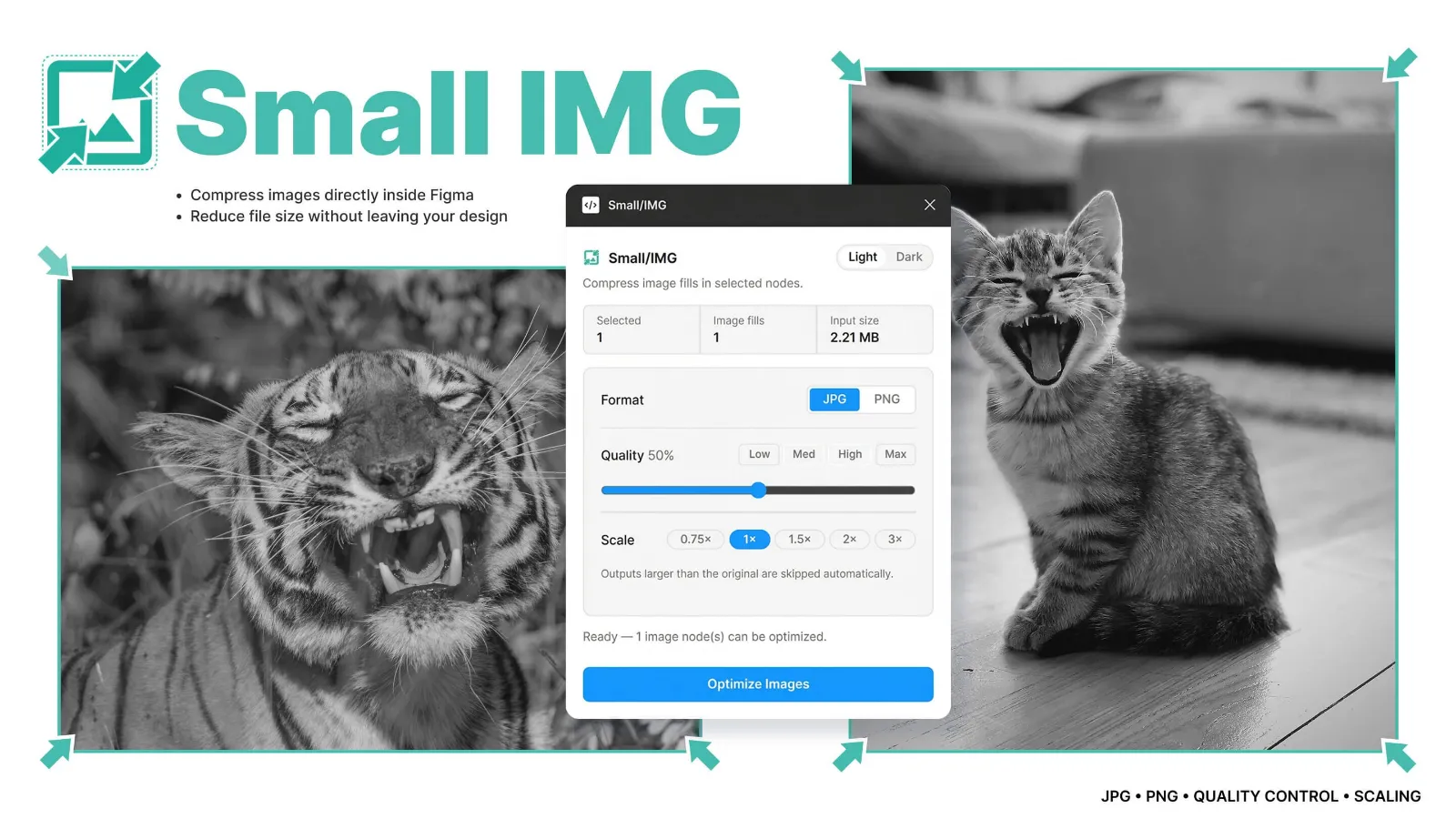
Small IMG Image compressor figma plugin
Small IMG started with a problem I kept running into while working in Figma: image-heavy files become unnecessarily large and slower to work with.
mitran.design
Mar 2026
Role
Product designer
Timeline
1 Months (2026)
Overview
Small IMG was created to solve a simple but recurring problem in Figma projects: large images quickly make design files slow and difficult to work with.
The Challenge
Modern product design often relies on large visual assets such as screenshots, product imagery, and high-resolution photos. While these assets improve visual fidelity, they can also create significant performance issues inside Figma.
Common problems included:
- Slow file loading and navigation
- Increased memory usage in large projects
- Longer export and prototype loading times
- Extra steps required to optimize images outside Figma
Most available solutions required leaving the design environment or manually optimizing assets in external tools. The goal was to bring this optimization process directly into the Figma workflow.
The Solution
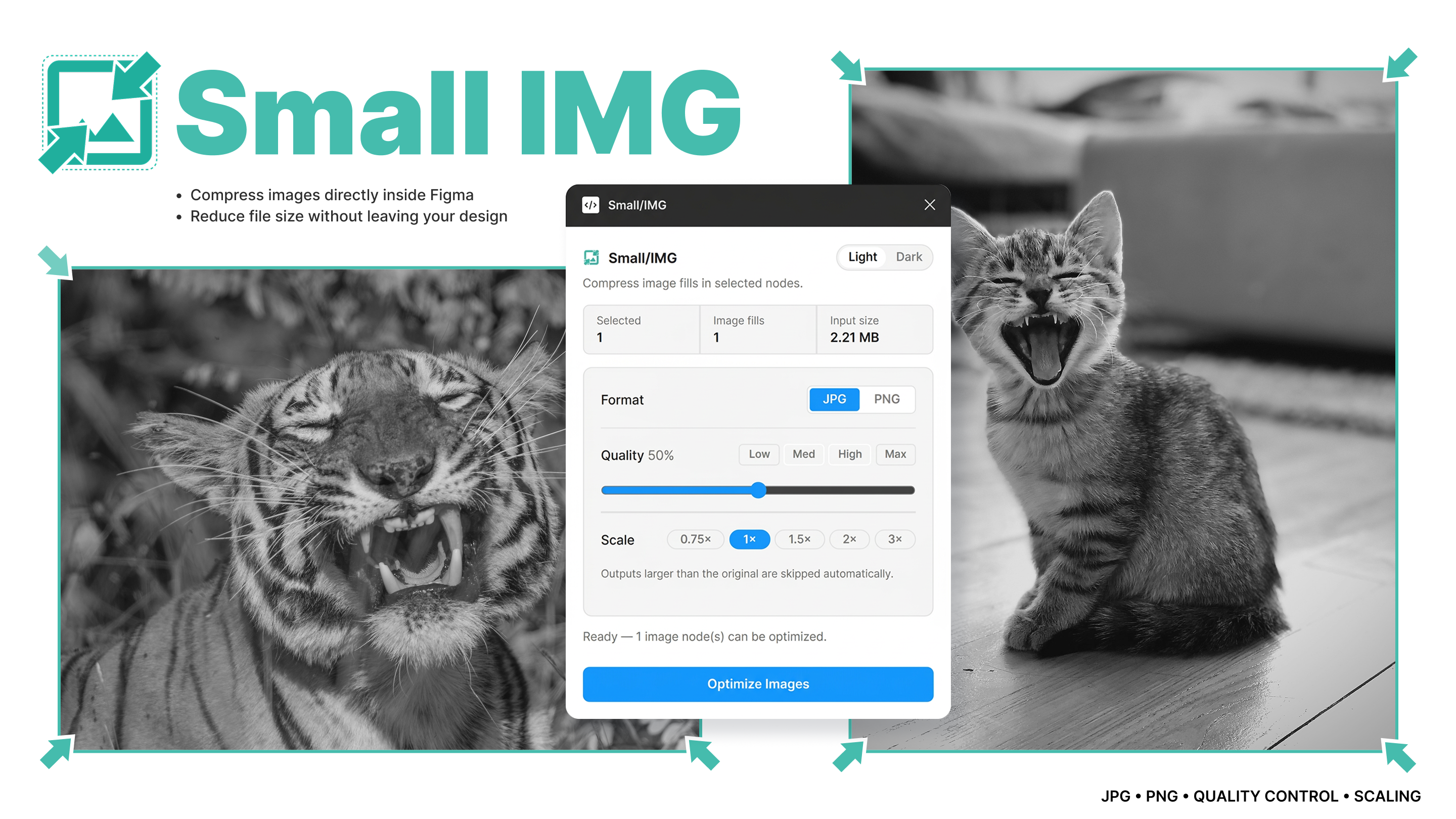
Small IMG is a lightweight Figma plugin designed to detect and compress image fills directly inside selected layers.
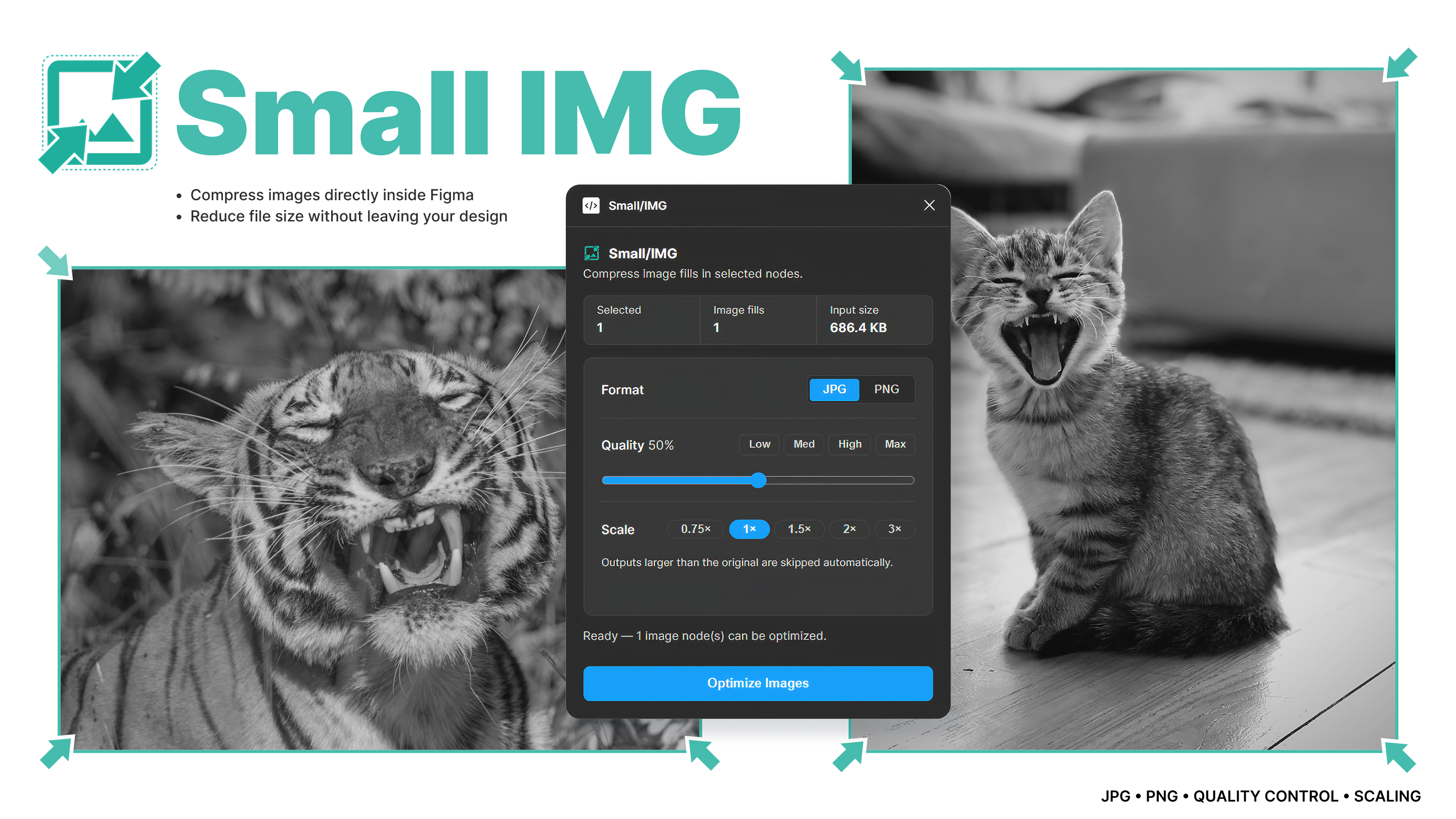
The plugin introduces a simple optimization interface where designers can control image format, compression quality, and scaling. Instead of exporting assets to external compression tools, designers can reduce file sizes directly within the design environment.
Key design decisions focused on keeping the experience fast, simple, and predictable:
- Automatic detection of image fills inside selected layers
- Adjustable compression quality for balancing size and visual fidelity
- Optional scaling for further size reduction
- Automatic skipping of images that would become larger after compression
The interface was intentionally minimal to match Figma’s native plugin style and allow designers to optimize images with just a few clicks.
Check out more at: Top 5 Figma Plugins for Compressing Images
Design Gallery
Project Outcomes
2–3 sec
Avg opt time img
70%
File size reduction depending on compression settings
Single workflow
mage optimization directly inside Figma without external tools
Client Feedback
Small IMG started as a small productivity tool to solve a personal workflow problem, but it quickly proved useful for improving performance in larger design files.
Building the plugin also provided an opportunity to explore Figma’s plugin API and experiment with integrating image processing directly within a design environment.
The project highlights how small workflow improvements can significantly improve the daily experience of designers working with complex interfaces.
— Mitran Bogdan